Appearance
The phone app has its own look settings, under ⚙️ Settings → Appearance. Changes apply right away and are saved on the phone, so each phone can have a different look.
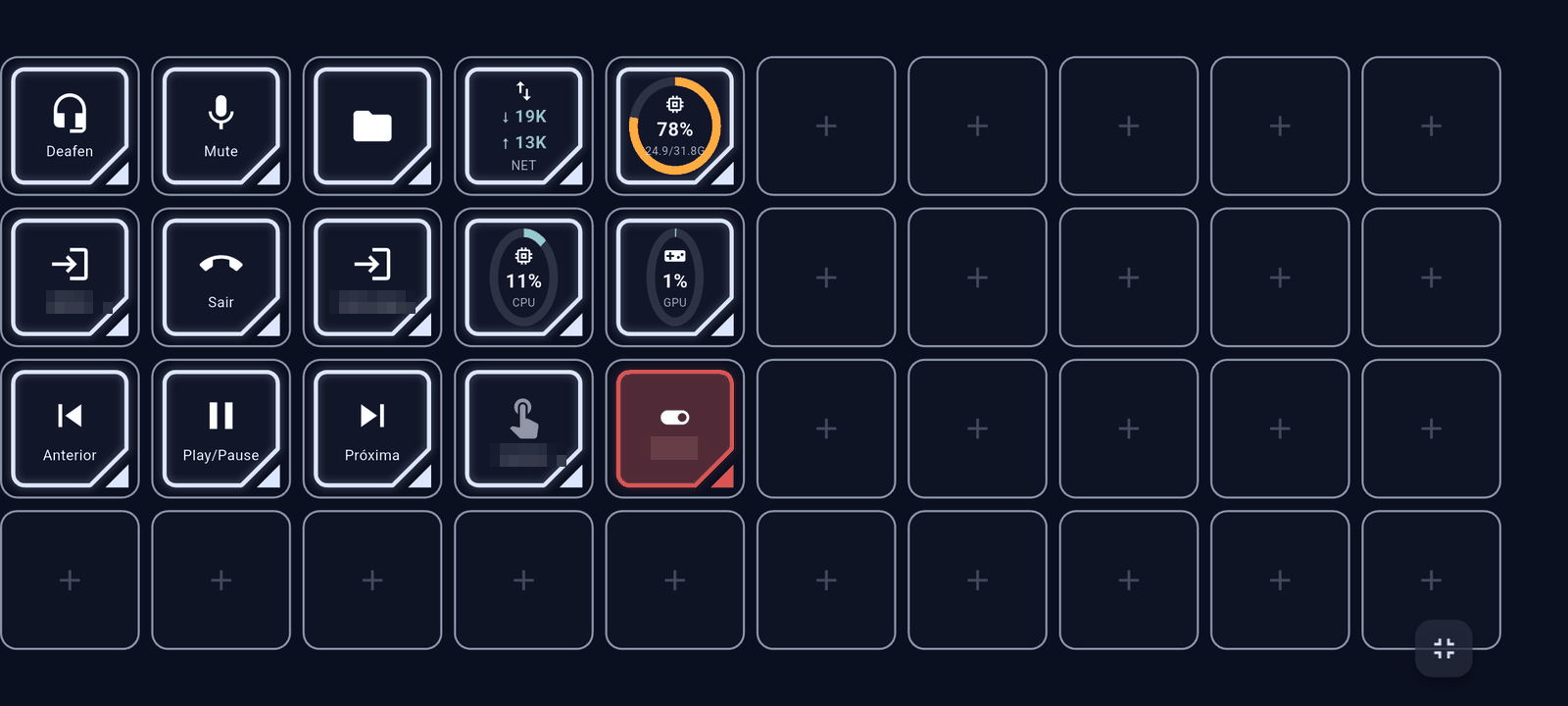
Themes
A theme sets the background, colours and button style of the whole app in one tap:
| Theme | Look |
|---|---|
| Classic | Dark grey with blue, solid buttons (the original look). |
| Neon | Navy blue, double frame with a cut corner. |
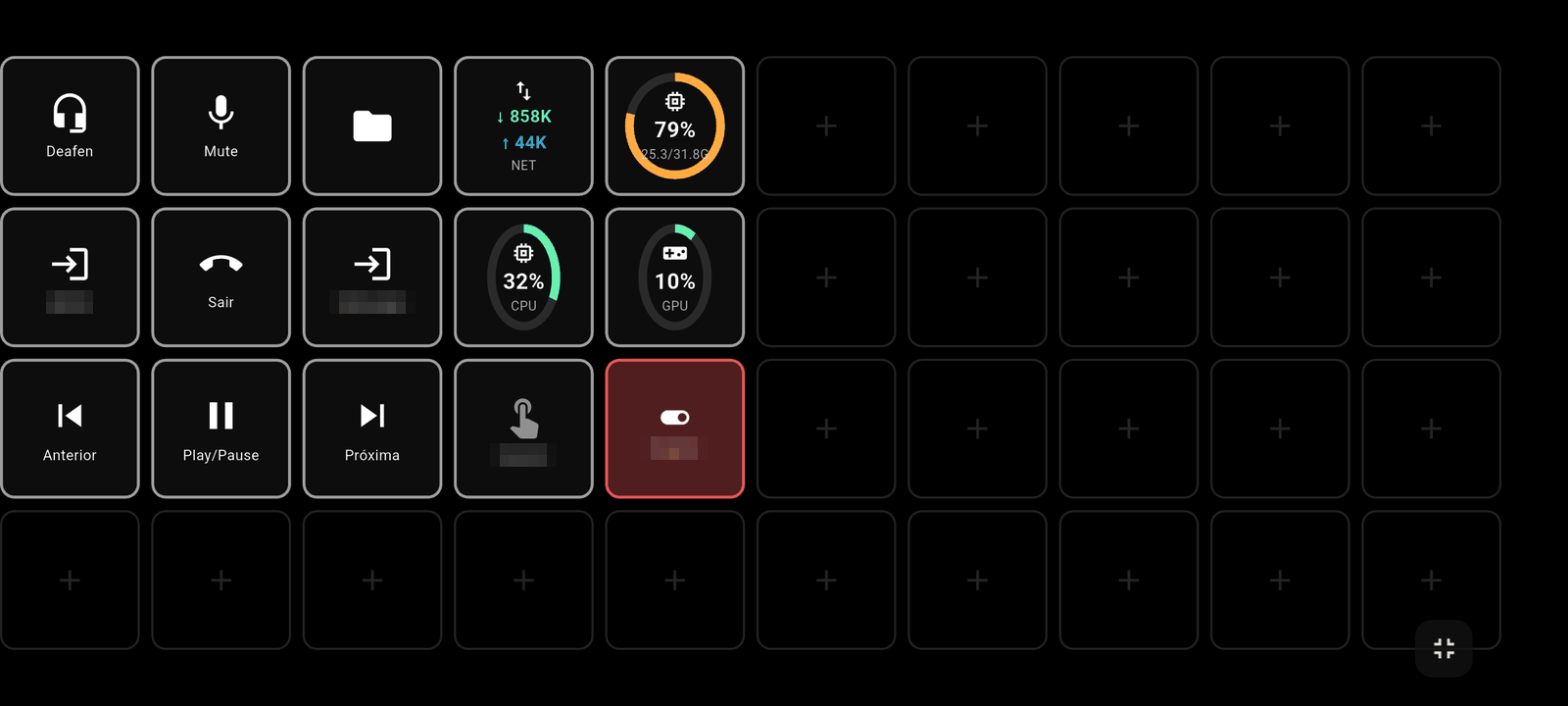
| OLED | Pure black with outlined buttons. Saves battery on OLED screens. |
| Amber | Warm dark tones with amber, solid buttons. |
| Synthwave | Deep purple with magenta, double frame. |
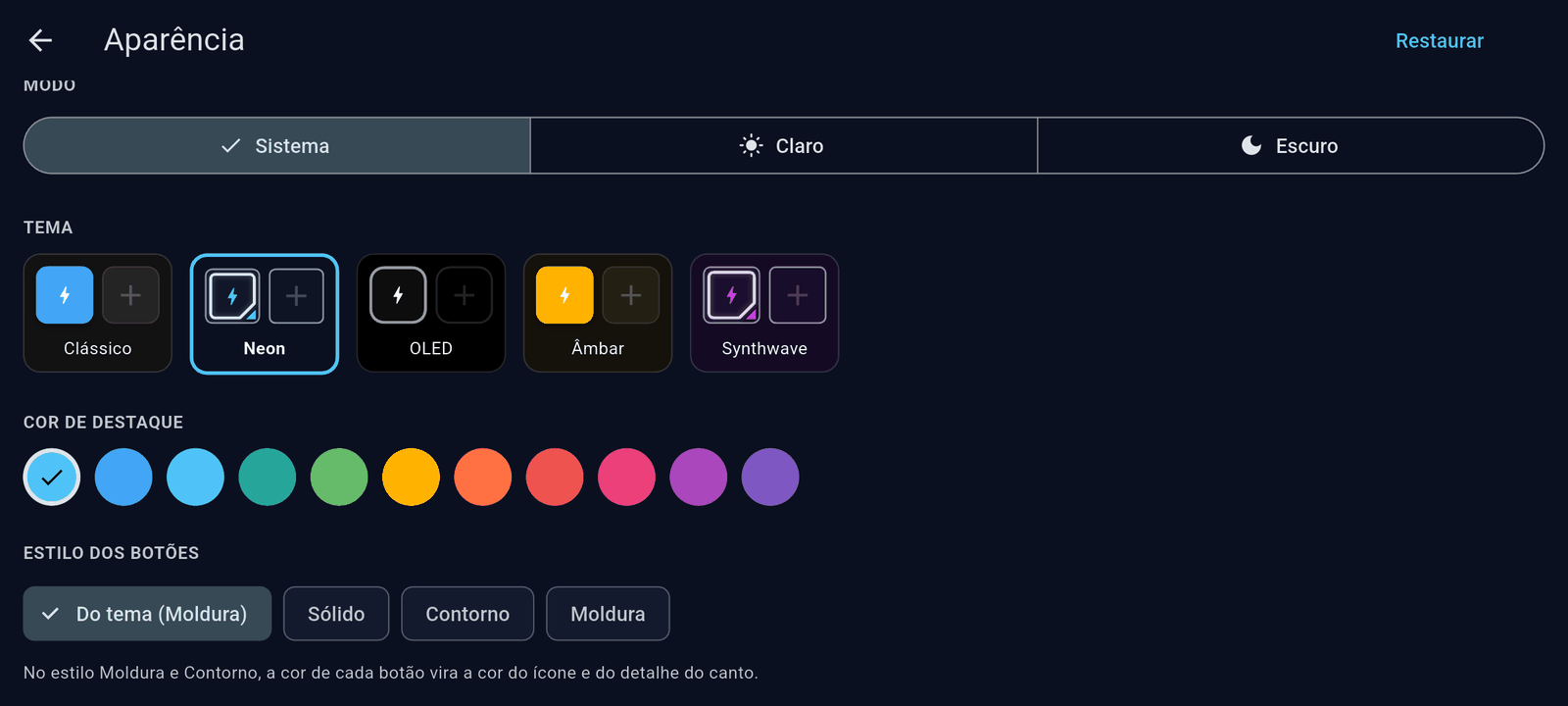
On top of the theme you can change:
- Mode — System follows the phone's light/dark setting; Light and Dark force one. The themes above describe the dark look; the light one is derived from the accent colour.
- Accent color — the colour of switches, links and highlights. From theme keeps the theme's own.
- Button style — Solid (filled with the button's colour), Outline (border in the button's colour) or Frame (double frame with a coloured corner). From theme keeps the theme's own.
In the Outline and Frame styles the colour you pick for a button in the configurator becomes the colour of its icon and corner instead of its fill. Neutral colours, like the editor's default grey, stay white.
Language
Language picks the app's language: Automatic (the phone's), Português, English or Español. Action types and messages from the PC follow the same language.
Follow the focused app
Follow the focused app lets this phone switch profiles on its own when a program with its own profile gets focus on the PC (see Profiles). On by default.
Vibration
Vibrate on tap gives a short buzz when you touch a button, like a physical key: Off, Light, Medium or Strong. When a timer ends the phone gives a strong buzz, unless vibration is off.
Deck only
Deck only hides the audio tab: the app opens straight into the deck, in full screen, with no tabs at the bottom. Handy for a phone that sits on the desk as a dedicated deck.
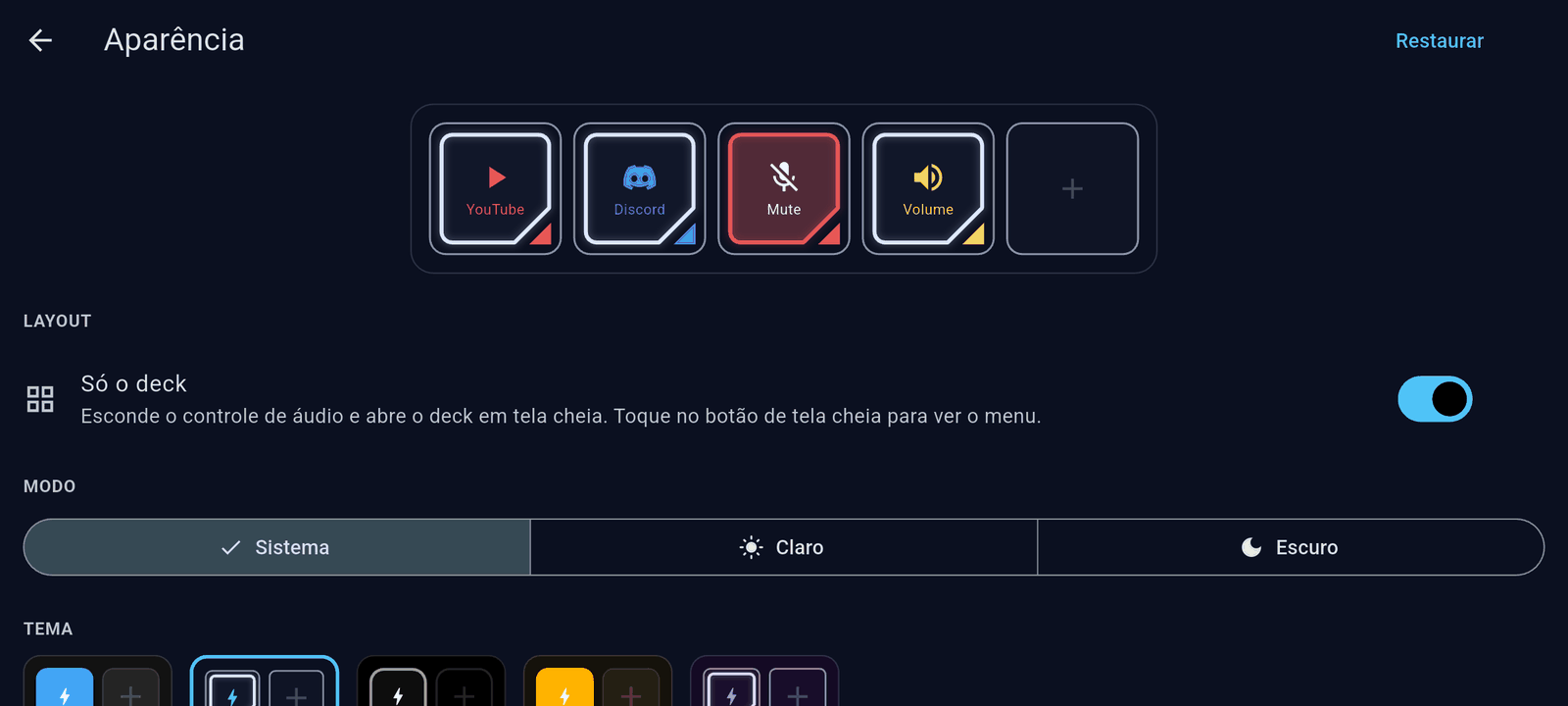
To reach the settings again, tap the full-screen button in the bottom-right corner: the top bar comes back with the ⚙️ button.
Reset in the top-right corner of the Appearance screen goes back to the default theme.